Convert Audio Files to
Chaptered Audiobooks
Merge MP3s, lectures, and podcast episodes into M4B audiobooks with chapters. Perfect for Apple Books, Plex, and Prologue.
Download on Mac App Store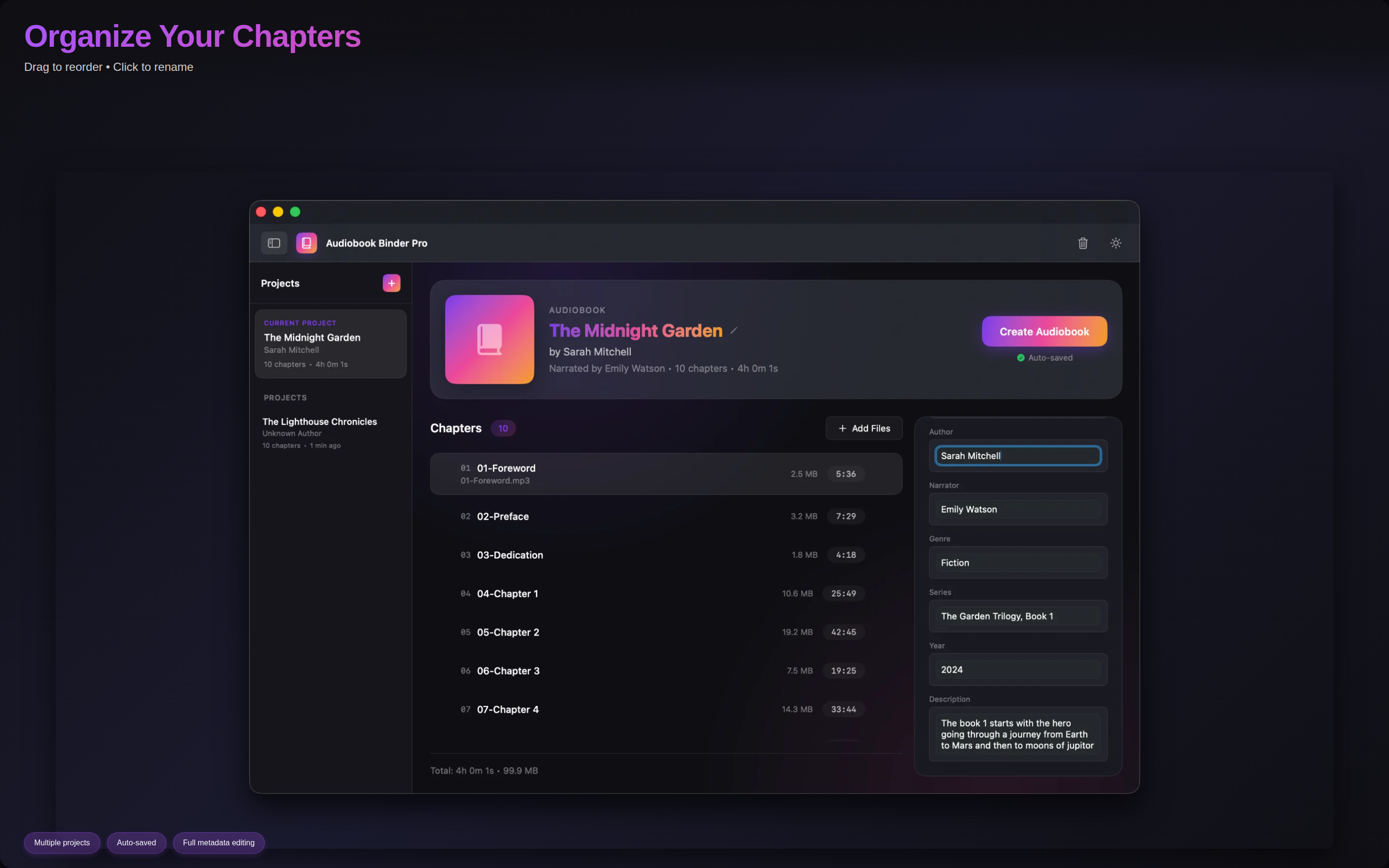
Merge MP3s, lectures, and podcast episodes into M4B audiobooks with chapters. Perfect for Apple Books, Plex, and Prologue.
Download on Mac App Store
Turn scattered lecture recordings, podcast episodes, or MP3 collections into a single chaptered audiobook.
Each file becomes a chapter. Drag to reorder, click to rename. Your audio, perfectly organized.
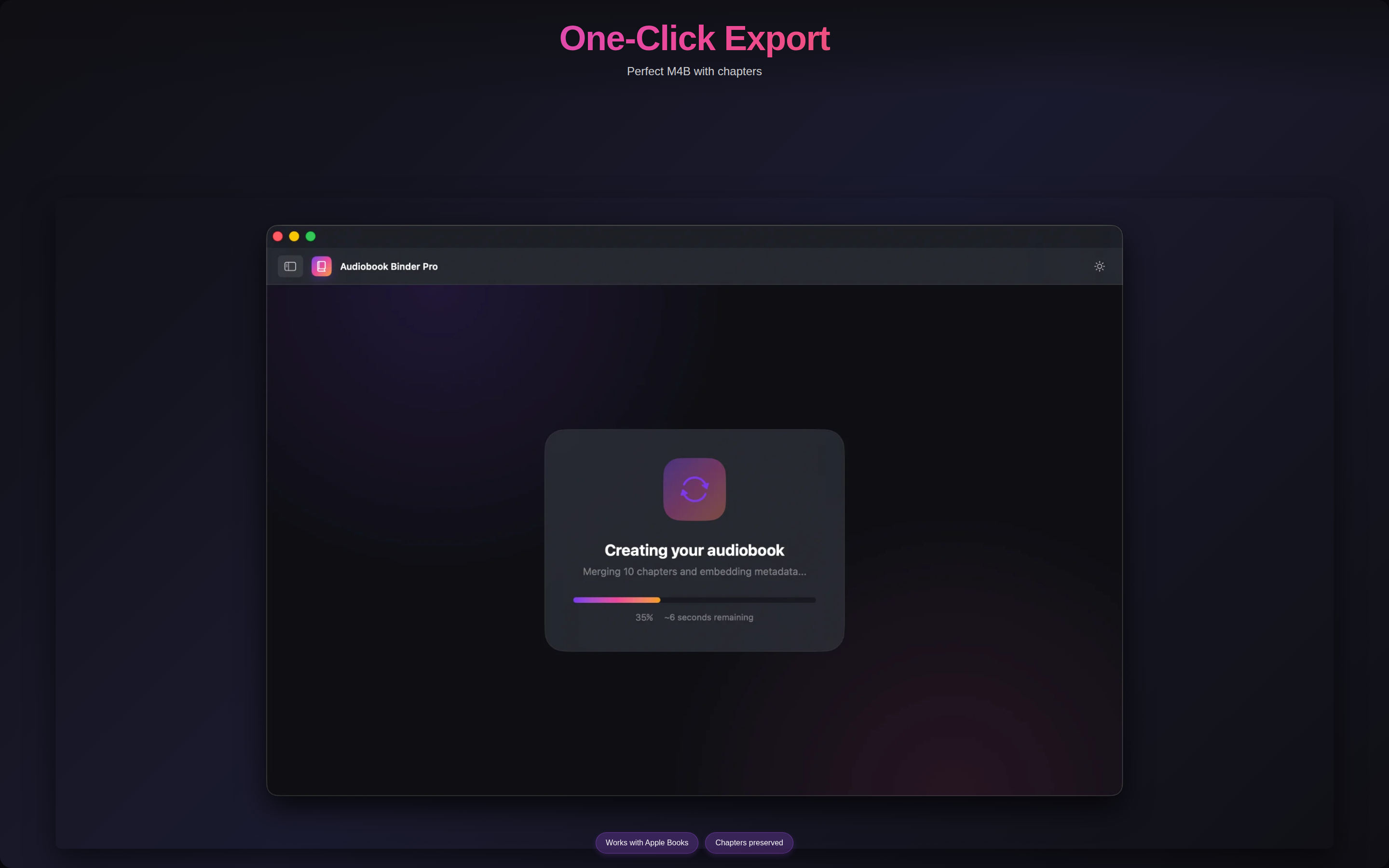
Exports to M4B with chapter markers. Works with Apple Books, Plex, Prologue, and any M4B-compatible player.
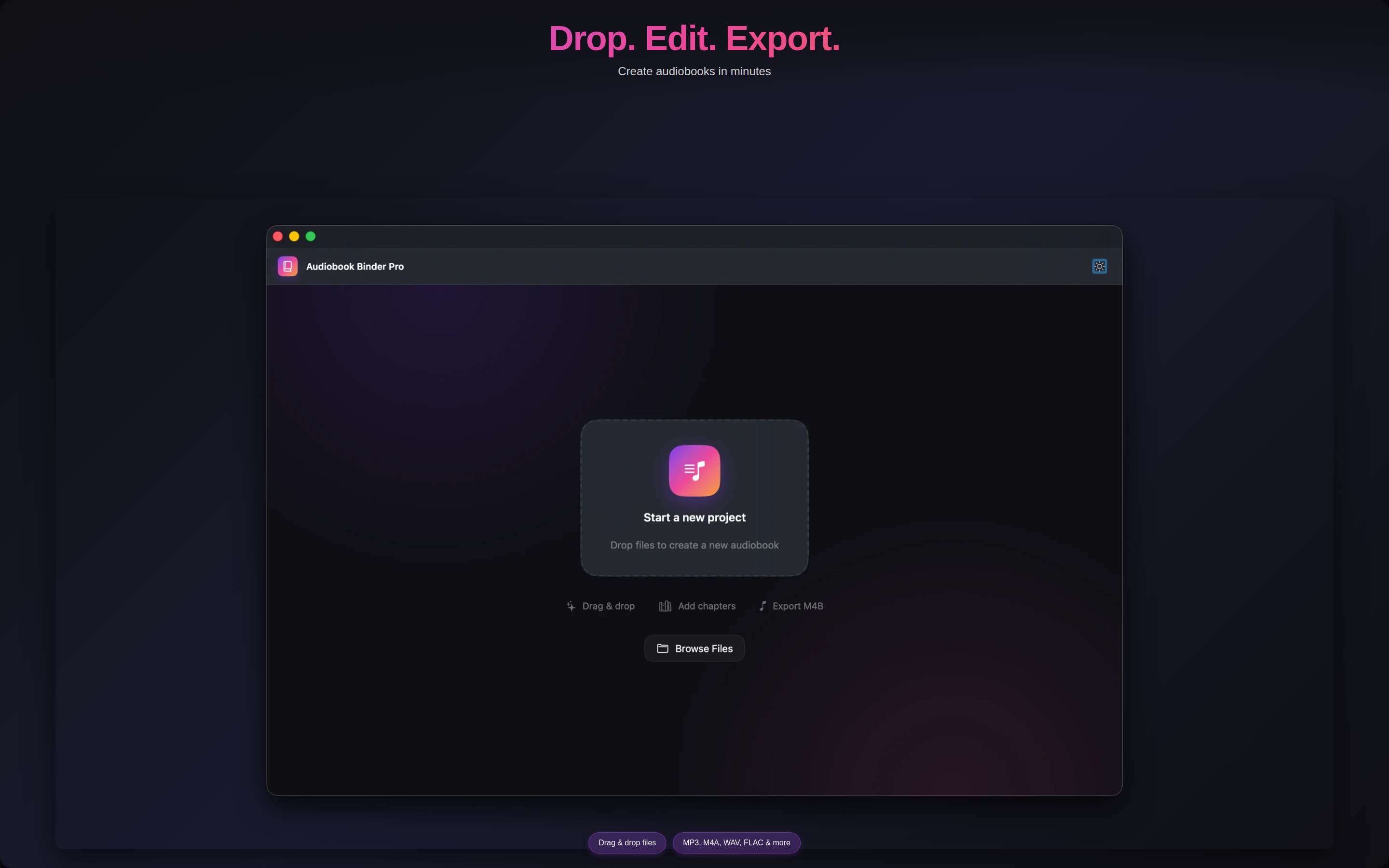
Drop MP3, M4A, WAV, FLAC, AIFF, or AAC files. Convert entire folders to a single chaptered audiobook.
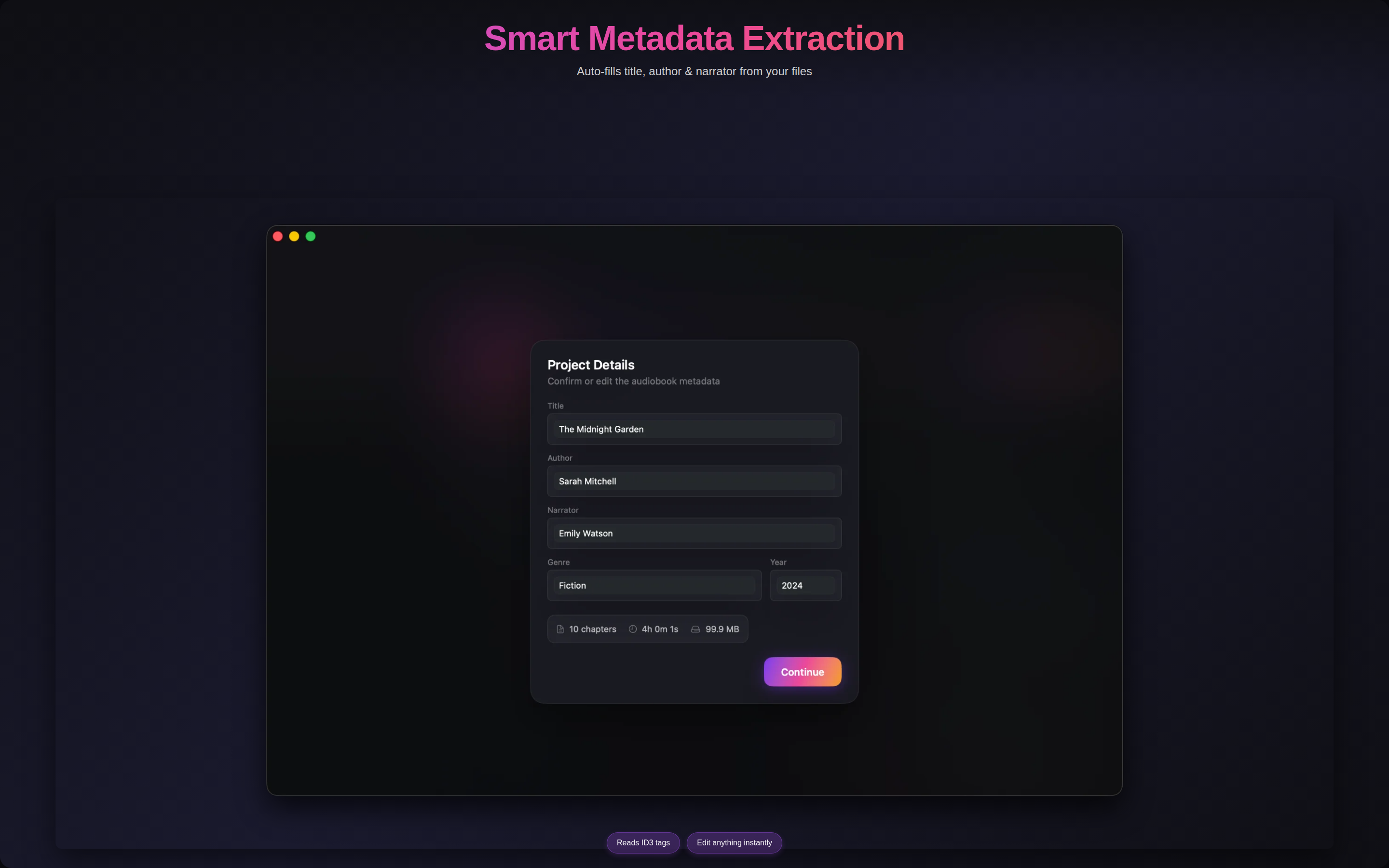
Auto-extracts title, author, and cover art. Add your own details for a polished result.
Work on several audiobooks at once. Auto-saves so you never lose progress.
Yes! Drop your lecture MP3s or recordings, and each file becomes a chapter. Perfect for reviewing course material on the go.
M4B is Apple's audiobook format with chapter markers and bookmarking. Apple Books remembers your position when you pause — great for long-form audio.
Perfectly. Double-click the exported file to add it to your Apple Books library. Syncs across Mac, iPhone, and iPad.
MP3, M4A, WAV, FLAC, AIFF, AAC, and M4B for import. Exports to chaptered M4B at 128 kbps AAC.
Absolutely. Drop the episodes in order, rename chapters if you like, and export. One file, fully chaptered.
Yes. M4B is the standard audiobook format. Your exported files work with Plex, Prologue, Audiobookshelf, BookPlayer, and any app that supports M4B.
macOS 14.0 (Sonoma) or later.
The app works 100% offline — no accounts, no tracking, no data leaves your Mac. This website uses Google Analytics with your consent.
The app collects nothing. Audiobook Binder Pro works entirely on your Mac with no network access. This website uses Google Analytics to understand traffic sources.
Audio files are processed locally. Exported M4B files are saved where you choose. Nothing leaves your Mac.
Questions? email@chandresh.net
Last updated: February 2026
One-time purchase · No subscriptions · Works offline
Download on Mac App Store